
Published October 4, 2026
How FuelPass QR Registration Worked
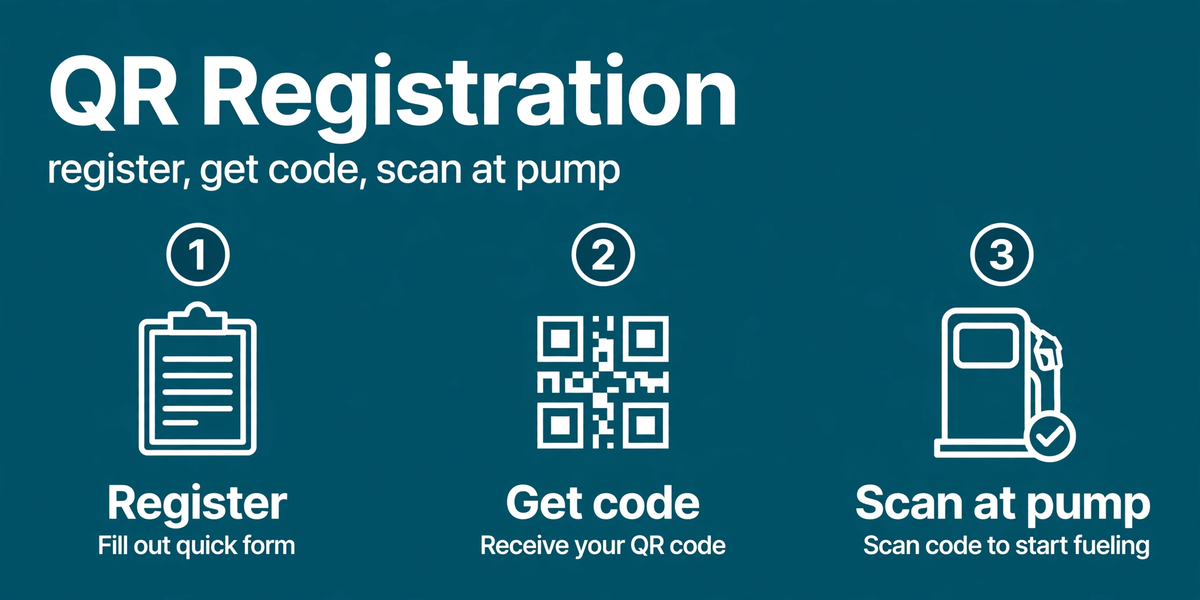
The National Fuel Pass ran on a simple loop: register, get a QR code, scan at the pump. Here's how each step worked during the system's active period.
Registration
On fuelpass.gov.lk, vehicle owners entered their National Identity Card (NIC) number, a mobile number for OTP verification, and the vehicle's registration number and details. One QR code per vehicle — the system cross-checked against vehicle registries to prevent duplicates.
The QR code and quota
After verification, the portal issued a downloadable QR code encoding the vehicle's weekly fuel quota. Quotas were set by vehicle category: motorcycles and three-wheelers got smaller allocations than cars, vans, and buses. The quota reset weekly — use it or lose it.
At the filling station
Stations scanned the QR at the pump and dispensed fuel up to the remaining quota. No QR, no fuel — which is what killed the black market: hoarding became pointless when every litre was tracked to a registered vehicle.
Common issues
- Wrong vehicle details: mismatches with registry data blocked issuance — corrections went through the portal.
- Lost QR: re-downloadable from the portal with the registered NIC/mobile.
- Quota confusion: the weekly reset caught people out; stations could see remaining quota on scan.
Whether the system still runs: current status. Overview: Fuel Pass guide.